U1-OCR
Recognize IDs, parse documents, extract data
Intelligent ID and document parsing, one-click key data extraction
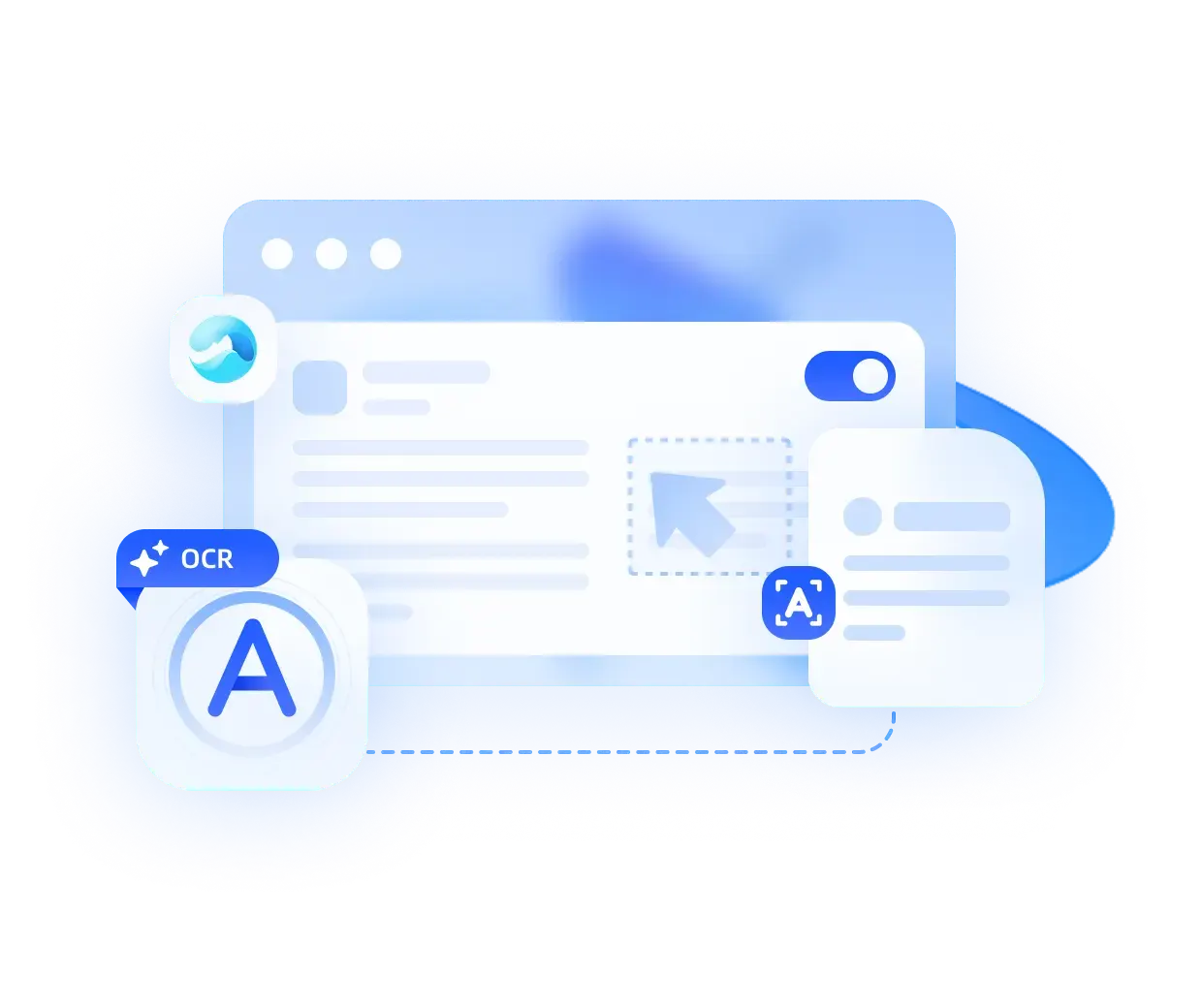
U1-OCR: Recognize IDs, parse documents, extract data
U1-OCR is an intelligent document parsing and extraction model that moves beyond traditional OCR character recognition and upgrades from simply reading text to understanding documents and extracting key information. It handles ID recognition, layout restoration, and information extraction in one workflow, turning unstructured documents into clean, usable data across office files, IDs and receipts, and complex reports while greatly reducing manual entry and verification.
Content Recognition Accuracy
Languages Supported
Document Types Covered
Single-Page Extraction Time
OCRBench_v2_KIE_EN


Nanonets-KIE
CC-OCR
Omnidocbench-v1.6
Key strengths
 Key strengths
Free your hands from tedious work
End-to-end intelligent processing automatically classifies files and filters information, eliminating manual folder organization and character-by-character data entry.
Simple onboarding for everyone
Individual users need no expertise -- just upload files to enable all features; enterprise users get flexible customization via standardized APIs for fast system integration.
Faithful layout reproduction
Accurately restores original document layouts regardless of complexity, producing clean, well-organized output without layout corruption or lost formatting.
Full format compatibility
Breaks down format barriers -- casual photos, professional scans or mainstream office files all upload and parse smoothly, anytime, anywhere.
Flexible support for diverse content
Goes beyond standard recognition to accurately capture handwriting, official seals, handwritten annotations and special symbols, expanding practical use cases.
Technical highlights
 Technical highlights
Deep visual-semantic fusion
It does more than recognize text pixels by combining structural visual perception with textual semantic understanding to truly understand document layout logic and content meaning.
Adaptive restoration for irregular layouts
Specialized optimization handles skewed shots, creased pages, and non-standard layouts with automatic perspective correction and strong restoration beyond generic OCR approaches.
Full-stack intelligent understanding
A one-stop solution for document classification, layout restoration, content interpretation, and key extraction, handling everything from organizing files to capturing core information intelligently.
Normalized processing for heterogeneous inputs
It adapts to original photos, HD scans, complex layout documents, and blurry recaptures, producing unified structured output with strong material compatibility.
Use Cases
 Use Cases
Fast ID data entry
Capture IDs, passports, bank cards, and similar documents to extract information in one click and avoid manual typing.

Smarter invoice reimbursement
Automatically recognize digital and paper invoices and extract amounts, dates, and headers for easier expense submission.

Convert handwritten notes to digital files
Turn class notes, meeting notes, and handwritten lists into searchable, editable text from a photo.

Extract multilingual materials with ease
Recognize and extract information from foreign-language materials, notes, and screenshots in one click for more efficient reading and organization.
Capabilities
 Capabilities
-
Intelligent document classification:
Powered by OCR 3.0 cognition, it automatically identifies document types and classifies them accurately across office and business documents, with JSON Schema support for custom categories.
-
General information extraction:
Using OCR 3.0 semantic capabilities, it extracts times, amounts, organizations, and other key fields automatically without predefined templates, reducing manual work in common business scenarios.
-
Custom Schema extraction:
Define target fields, formats, and rules with JSON Schema to capture specific business information precisely and improve processing efficiency and accuracy.
-
High-precision parsing for complex layouts:
It understands document hierarchy, mixed media, and sectional structure, optimizes irregular table parsing, restores table data completely, and parses professional report, ledger, and statement layouts accurately.
-
Recognition for unconventional complex content:
It adapts to non-standard documents and accurately recognizes handwriting, seals, annotations, code, and special symbols, reducing misses and errors common in traditional OCR.
 Get Started
Flexible pricing, custom solutions, private deployment
Flexible billing models and dedicated customization for intelligent document parsing scenarios, with private deployment to ensure data security and compliance
Talk to an Expert